
Take it for a spin.
Zero setup, instant play. Break free from the desktop: Playpen spins up a local server so you can instantly test your apps on your device.
 Scan or tap to play →
Put down the keyboard.
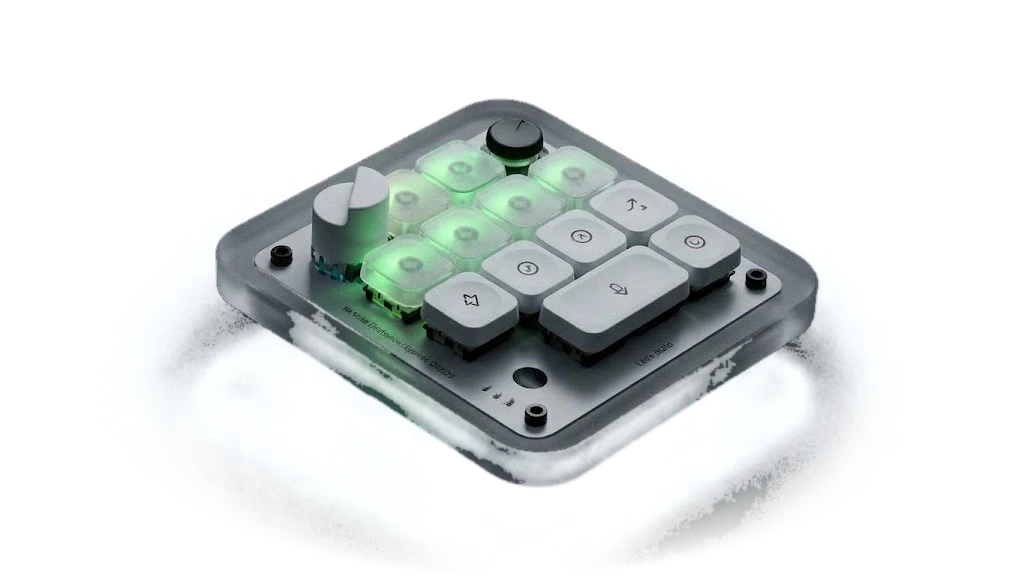
Pick up the controller.Skip the $230 keypad. Plug in the $60 Xbox controller you probably already own and run all of Playpen with it: chats, builds, tabs and menus. Hold X anywhere to talk, and voice mode opens wherever you are. Every game it makes is controller native too.
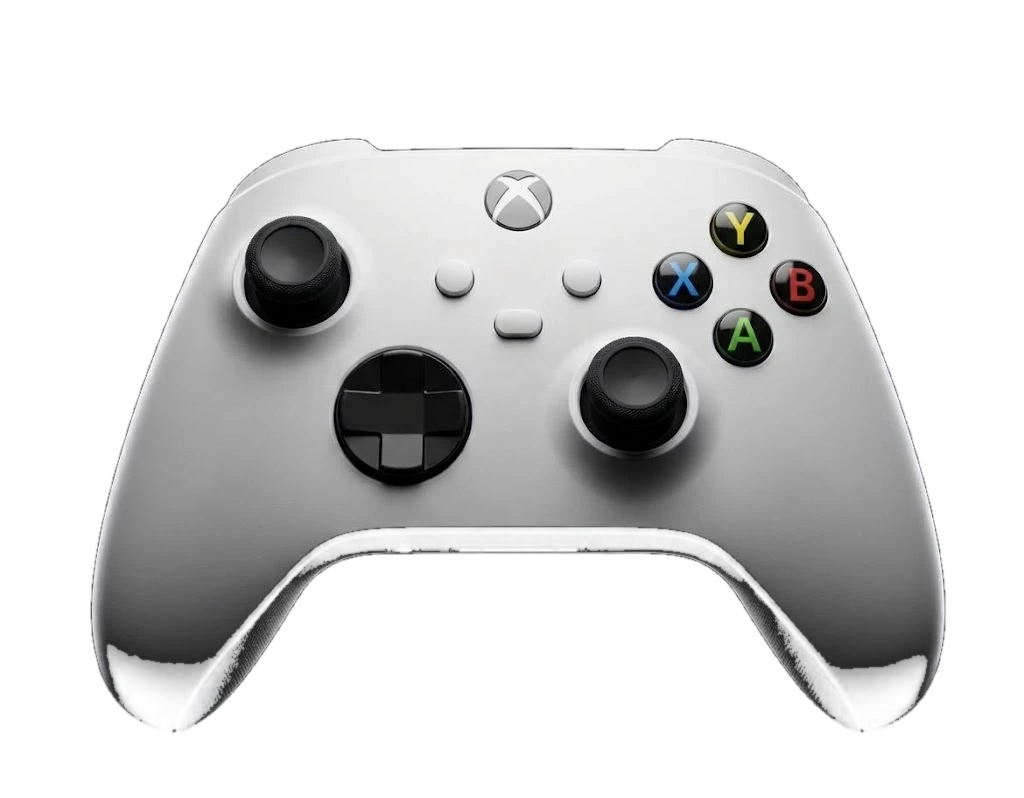
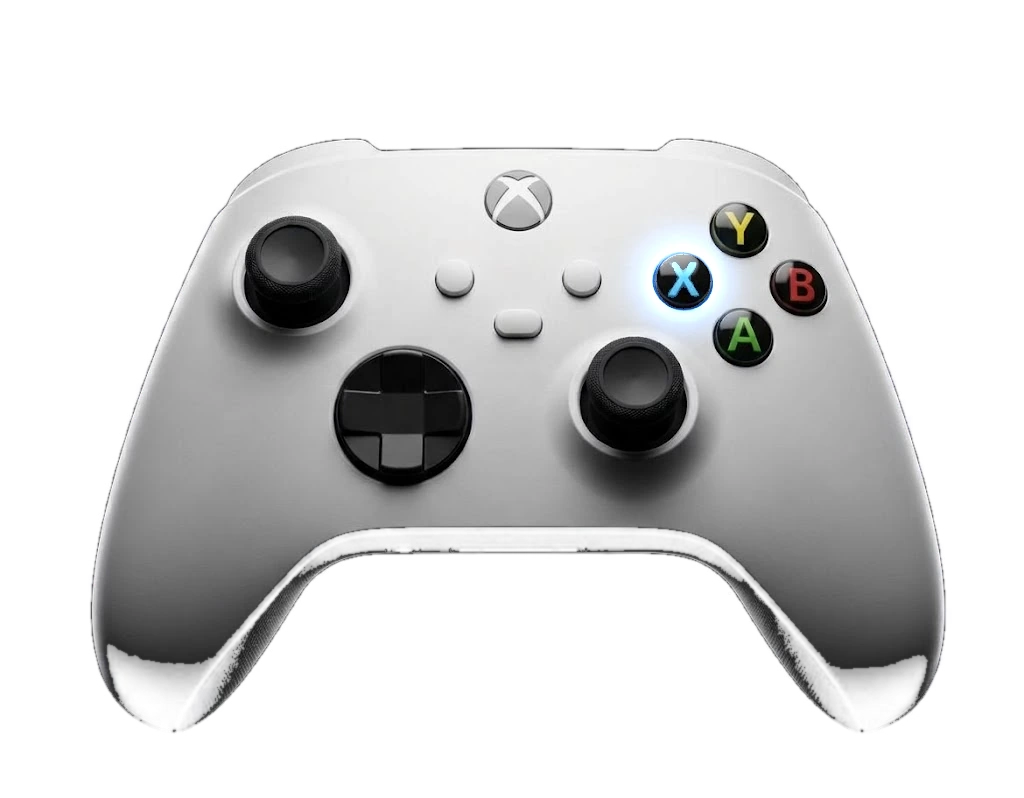 Click X to speak
3 ways to build.
1 chat.
{{ mp.d }}
- {{ bl.text }}
 hi Playpen!hi Claude!
Help us build it. Join the beta.
Leave your email and I’ll literally send you a personal email.
Why zero setup?
Normally, before you write a single line of code, you spend days setting things up. Playpen does all of that for you on your own computer: the local AI, a memory system that understands your project, the chat, a database for your apps, the Godot game engine, project planning, and the folders where everything lives. It’s all ready the first time you open it, so starting a project is as easy as starting a chat.
Is Playpen really free?
Yes. Playpen is free, with no ads. Its local AI runs on your computer at no cost. When Claude does part of the work, it uses your own paid Claude plan. Playpen never resells your Claude usage or routes it through anyone else.
Do I need to know how to code?
No. Describe what you want by typing or talking, and Playpen plans it, builds it and lets you try it. The code is always there if you’re curious, but you never have to touch it.
What is hybrid mode?
Two AIs work on your project together. Claude takes the hard parts, like how enemies think or how your app’s logic fits together. Playpen’s local AI takes simpler parts, like maps, menus and layouts, for free on your computer. Splitting the work this way saves your Claude usage.
What can I make?
Apps, games, websites, pretty much anything you can describe. Start with an app idea, a game you’ve always wanted to play, or a site for your business. Playpen plans it, builds it, and lets you try it right away.
Where do my projects live?
On your computer, in a Playpen folder on your Desktop. Nothing gets uploaded to us. Playpen saves as you go and makes a restore point before every build, so you can always undo.
Is it OK for kids?
Playpen was made with younger users in mind. Child Lock lets a parent:
- Keep everything local only, so nothing leaves the computer
- Turn on Homework Mode, where Playpen teaches kids how to solve a problem instead of handing them the answer
- Set daily allowed hours
- Block violence, adult content, drugs and self-harm
- Lock it with a PIN so only a parent can change the settings
What do I need?
A Windows PC with a graphics card that has at least 12GB of memory (16GB recommended), and 16GB of system RAM (32GB recommended). For Claude and Hybrid modes, you’ll also need your own paid Claude plan. Windows may show a safety warning the first time you install. Click “More info,” then “Run anyway.”